
What to Do After You Publish a Blog Post to Help It Rank
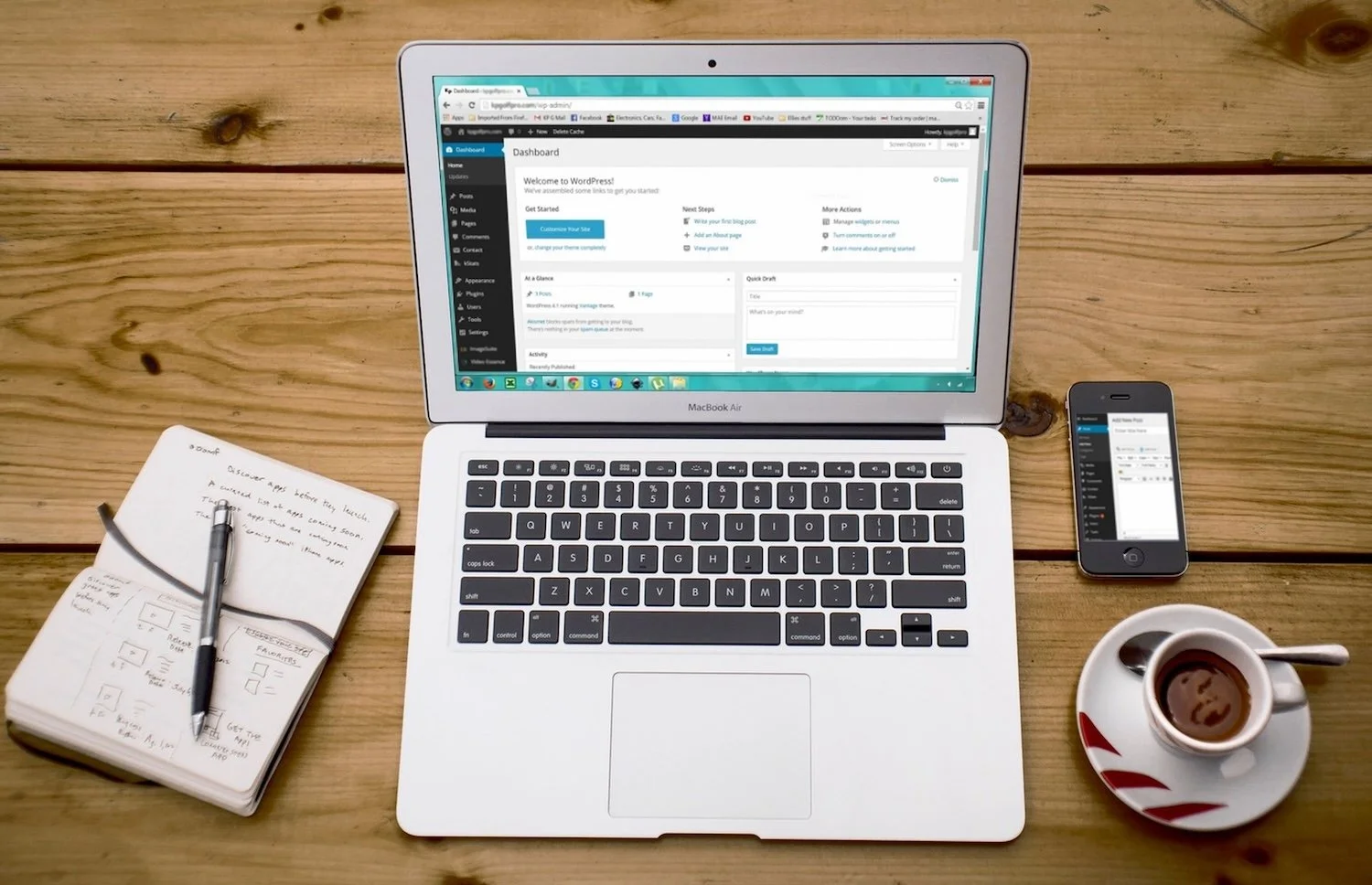
Publishing a blog post is not the finish line.
It is the starting point.
A lot of businesses put significant time into writing a blog post, uploading it to the website, adding an image, pressing publish, and then moving on to the next piece of content. But if you want your blog content to actually support SEO, visibility, traffic, and conversions, there are a few important steps to take after it goes live.
Search engines need to discover the post. Your audience needs opportunities to see it. Other platforms can help create early visibility. And over time, performance data can show you whether the post is ranking for the right keywords, attracting the right visitors, and doing the job it was created to do.
A blog post should not disappear into your website archives the day it is published.
It should be submitted, shared, monitored, and improved.
Here is what to do after you publish a blog post to give it the best chance of ranking.
1. Submit the URL for Indexing
The first thing to do after publishing a new blog post is submit the URL directly to search engines.
Search engines can often discover new content on their own, especially if your website is being crawled regularly and the post is linked internally. But direct submission can help prompt discovery faster.
Start with Google Search Console.
Once your blog post is live, copy the full URL and paste it into the URL Inspection tool in Google Search Console. If the page is available and indexable, request indexing.
Then do the same in Bing Webmaster Tools.
Bing may not drive as much traffic as Google for every business, but it still matters. Bing also powers search experiences beyond Bing itself, and submitting your content there is a simple step that can support wider discovery.
This is especially important if:
Your website is newer.
Your blog does not publish often.
Your internal linking is limited.
The post is part of an important campaign.
You want the page discovered as quickly as possible.
You updated or republished an older blog post with a new URL.
The topic is timely or seasonal.
Submitting the URL does not guarantee rankings. It simply helps search engines become aware of the page.
Think of it as raising your hand and saying, “This page is ready to be crawled.”
2. Make Sure the Blog Is Linked Internally
Before you start promoting the blog elsewhere, make sure it is connected within your own website.
A blog post should not sit alone.
Internal links help search engines discover the page, understand how it relates to the rest of your site, and identify which pages are important. They also help users move from the blog post to relevant products, services, collections, booking pages, or additional resources.
After publishing, ask:
Does this blog link to relevant service, product, or collection pages?
Does it link to other helpful blog posts?
Are there existing pages on the website that should link back to this new post?
Does the anchor text clearly describe the linked page?
Is there a logical next step for the reader?
For ecommerce brands, a blog post should often link to relevant product or collection pages.
A post about how to choose a dining table for a small space should link to collections like round dining tables, small-space furniture, extendable dining tables, and relevant product pages.
A beauty post about how to build a skincare routine for dry skin should link to hydrating serums, moisturizers, gentle cleansers, and face oils.
A fashion post about what to wear to a summer wedding should link to wedding guest dresses, linen dresses, dressy sandals, clutches, and jewelry.
For service businesses, a blog post should link to relevant service pages, booking pages, case studies, contact pages, or related educational content.
A post about when to hire a bookkeeper should link to bookkeeping services, pricing or consultation information, and related posts about cash flow or tax preparation.
For mental health practices, a blog post should link carefully and ethically to relevant service pages, therapist bios, modality pages, online counselling pages, and consultation information.
A post about what to expect in couples therapy could link to the couples therapy service page, therapist bios, fees, and booking information.
Internal links turn a blog post from a standalone article into part of your SEO ecosystem.
3. Share the Blog Across Other Platforms
Once the blog is live, indexed, and internally linked, share it.
A blog post is much more useful when it is distributed across the platforms where your audience already spends time. Sharing your content helps create early visibility, drives referral traffic, and gives your audience multiple ways to engage with the topic.
Start with the platforms that make sense for your business.
Share on LinkedIn
LinkedIn is especially valuable for service businesses, B2B brands, consultants, agencies, professional practices, and founders building thought leadership.
You do not need to copy and paste the entire blog post. Instead, write a short post that introduces the idea, highlights the problem, and invites people to read the full article.
For example:
Many businesses publish blog content and then move on immediately. But if you want that content to support SEO, the work does not stop at publishing. In our latest post, we’re sharing what to do after a blog goes live, including indexing, internal linking, distribution, and 30/60/90-day performance reviews.
Then link to the blog.
You can also turn the blog into multiple LinkedIn posts over time. One post could focus on the indexing checklist. Another could focus on internal linking. Another could focus on how to use Search Console data after 90 days.
A single blog can become several pieces of social content.
Share on Social Media
Share the blog on the social platforms where your audience is active.
This may include Instagram, Facebook, TikTok, Pinterest, Threads, or X, depending on your business and content style.
For ecommerce brands, blog content can often be turned into:
Instagram carousel posts
Pinterest pins
Short videos
Product education posts
Buying guides
Seasonal content
Email newsletter sections
Stories with link stickers
A home decor blog about styling a neutral living room can become a carousel with styling tips. A fashion blog about summer wedding outfits can become a Reel, Pinterest board, or product roundup. A skincare blog can become a short educational video or routine graphic.
The blog gives you the depth. Social gives you additional distribution.
Share on Your Google Business Profile
If your business has a Google Business Profile, share the blog there too.
This is especially useful for local businesses, service providers, clinics, studios, retail stores, and businesses that serve a specific geographic market.
Google Business Profile posts can help keep your profile active and give potential customers another way to engage with your content.
For example, a local furniture store could share a blog about choosing a dining table for a small space. A counselling practice could share a blog about what to expect in a first therapy session. A beauty boutique could share a guide to building a skincare routine.
The post does not need to be long. Write a short summary, add an image where appropriate, and link back to the blog.
This helps connect your website content with your local search presence.
4. Repurpose the Blog Into Other Content
After publishing, look for ways to reuse the blog across other channels.
A strong blog post should not live in only one place. It can become a source for social posts, emails, videos, lead magnets, sales enablement content, and future blog ideas.
You might turn one blog post into:
A LinkedIn post
An Instagram carousel
A short-form video
A Pinterest pin
An email newsletter
A Google Business Profile update
A sales email
A downloadable checklist
A podcast topic
A follow-up blog post
This matters because SEO content often supports more than SEO.
A blog post that answers a customer question can also help sales conversations, customer service, onboarding, social engagement, and email marketing.
Repurposing also helps more people discover the content. Not everyone will find the blog through Google right away. Some people may find it through LinkedIn, your email list, your Google Business Profile, or social media first.
5. Give the Blog Time Before Judging Performance
SEO takes time.
A blog post is unlikely to reach its full potential within a few days of publishing. Search engines need time to crawl, index, test, and understand the page. Depending on your website authority, internal linking, competition, topic, and search volume, performance may develop gradually.
That is why it is important not to judge the post too quickly.
Instead, build in review points.
A practical timeline is:
Check indexing shortly after publishing.
Review early impressions around 30 days.
Look for stronger keyword patterns around 60 days.
evaluate performance and re-optimization opportunities around 90 days.
The exact timing depends on search volume.
A blog targeting a higher-volume keyword may generate impressions sooner. A niche post may take longer to collect enough data. A seasonal post may perform differently depending on timing. A post on a competitive topic may need more internal links, updates, or authority before gaining traction.
The key is to use data, not assumptions.
6. Check Performance in Google Search Console at 30 Days
Around 30 days after publishing, check Google Search Console.
At this point, you may not have enough data to make major decisions, but you can look for early signs.
Review:
Is the page indexed?
Is it getting impressions?
Which queries are showing up?
Are the queries relevant?
Is the page getting clicks?
What is the average position?
Are impressions increasing?
Is the title or meta description earning clicks?
Early impressions are useful because they show how Google is beginning to understand the page.
Sometimes, a blog post starts getting impressions for keywords you expected. Other times, it gets impressions for adjacent or unexpected terms. That can be helpful because it shows how the content is being interpreted and where there may be optimization opportunities.
At 30 days, avoid making unnecessary changes unless something is clearly wrong.
If the blog is not indexed, fix that. If the wrong page is ranking, review cannibalization. If the post is getting impressions for irrelevant terms, check whether the title, headings, and content are clear enough.
But if the post is starting to gain relevant impressions, give it more time.
7. Check Again at 60 Days
At 60 days, you may have a better sense of momentum.
Look again in Google Search Console and Bing Webmaster Tools.
Pay attention to:
Queries with growing impressions
Queries ranking on page two or three
Queries with impressions but low clicks
Keywords that match your target intent
Unexpected keywords that may be worth supporting
Pages that are competing with the blog
Internal link opportunities
Whether the post is driving engaged traffic
This is where you can start identifying light re-optimization opportunities.
For example, if the blog is getting impressions for a keyword that is closely related but not emphasized in the post, you may add a new section or FAQ.
If the page is ranking for a keyword with decent impressions but low click-through rate, you may improve the title tag and meta description.
If the post is getting impressions but sitting around positions 10–25, you may strengthen the content, improve headings, add examples, or build more internal links to the page.
If the blog is not getting meaningful impressions at all, revisit the keyword target, search intent, competition, and internal linking.
8. Review and Re-Optimize at 90 Days
Around 90 days, you can make a more informed decision about whether the post needs re-optimization.
By this point, you should have more data on how the blog is performing.
Look at:
Which keywords are getting the most impressions
Which keywords are getting clicks
Which keywords are close to page one
Which sections of the post may need more depth
Whether the search intent is fully satisfied
Whether the blog needs stronger internal links
Whether the title tag could be improved
Whether the meta description could better support clicks
Whether FAQs should be added
Whether the post should link to newer products, services, or content
Re-optimization may include:
Updating the title tag
Rewriting the meta description
Adding missing sections
Expanding thin explanations
Adding FAQs
Improving headings
Adding internal links to and from the post
Updating outdated information
Adding examples
Strengthening the call to action
The goal is not to rewrite the blog just for the sake of it. The goal is to respond to actual performance data.
Search Console and Bing Webmaster Tools can show you what search engines are already associating with the post. Use that information to make the page stronger.
9. Look for Internal Linking Opportunities After Publishing
Internal linking should happen before a blog goes live, but it should also be revisited after publishing.
As your blog library grows, new opportunities appear.
After a post has been live for a while, look for:
Older blog posts that should link to the new post
Service pages that should link to the blog
Collection pages that could reference the blog
Product pages that could link to the guide
Related blog posts that could be connected
Homepage sections or resource pages where the post belongs
For example, if you publish a blog about how to choose the right rug size, you may want links from your rug collection page, bedroom decor guide, living room styling post, and product pages for popular rugs.
If you publish a post about when to hire an SEO agency, it may deserve links from your SEO services page, related blog posts, and FAQ content.
If you publish a post about what to expect in a first therapy session, it may deserve links from individual therapy, online counselling, therapist bios, and consultation pages.
Internal links help the post become part of your website’s structure instead of an isolated article.
10. Check Whether the Blog Is Supporting Business Goals
Ranking is important, but ranking is not the only goal.
A blog post should support the business in some way.
Depending on the topic, that may mean:
Bringing in qualified organic traffic
Supporting product discovery
Sending readers to collection pages
Encouraging inquiries
Answering common sales questions
Supporting local visibility
Building trust
Growing your email list
Helping customers compare options
Strengthening topical authority
At your 60- or 90-day review, look beyond rankings.
Ask:
Are people clicking through to relevant pages?
Are they spending time on the blog?
Are they visiting service, product, or collection pages next?
Are they converting?
Are they signing up, booking, calling, or buying?
Is the post attracting the right kind of audience?
Does the post support a topic we want to be known for?
This helps you avoid chasing traffic that does not matter.
A blog post with lower traffic but strong commercial relevance may be more valuable than a high-traffic post that attracts the wrong audience.
11. Keep Updating Strong Blog Posts Over Time
Some blog posts should not be one-and-done.
If a post starts ranking, driving traffic, earning links, or supporting conversions, treat it like an asset.
Update it periodically to keep it useful.
This may include:
Refreshing examples
Updating product or service links
Adding new FAQs
Improving internal links
Updating screenshots or visuals
Adding new data or insights
Clarifying outdated sections
Improving the CTA
Adding schema where appropriate
Expanding based on new keyword data
Blog content can compound over time, but only if it stays relevant and connected.
A strong post can continue working for your business long after it is published.
A Simple Post-Publishing SEO Checklist
After publishing a blog post, follow this checklist:
Submit the URL in Google Search Console.
Submit the URL in Bing Webmaster Tools.
Confirm the page is indexable.
Add internal links from the blog to relevant pages.
Add links to the blog from relevant existing pages.
Share the post on LinkedIn.
Share it on relevant social platforms.
Add it to your Google Business Profile where appropriate.
Repurpose it into email or social content.
Check early performance at 30 days.
Review keyword traction at 60 days.
Re-optimize based on data around 90 days.
Continue updating strong posts over time.
Publishing is only the first step. Promotion, indexing, internal linking, and optimization are what help a blog post become a stronger SEO asset.
A Blog Post Needs Support After It Goes Live
A blog post has a much better chance of ranking when it is supported after publication.
Submitting the URL helps search engines discover it. Internal linking helps search engines and users understand where it fits. Sharing the post helps create early visibility. Reviewing performance at 30, 60, and 90 days helps you improve based on real data instead of guessing.
The best SEO content strategies do not stop at publishing.
They include a process for monitoring, learning, and improving.
At Searchlight, we help businesses create blog strategies that are built to do more than fill a content calendar. From keyword research and content planning to publishing workflows, internal linking, and re-optimization, we help your content become a stronger part of your organic growth strategy.
Apply to work with us today and let’s build a blog strategy that supports rankings, visibility, and long-term growth.